Atera's Service Manager enables you to remotely view, stop, or start services.
To access the Service Manager:
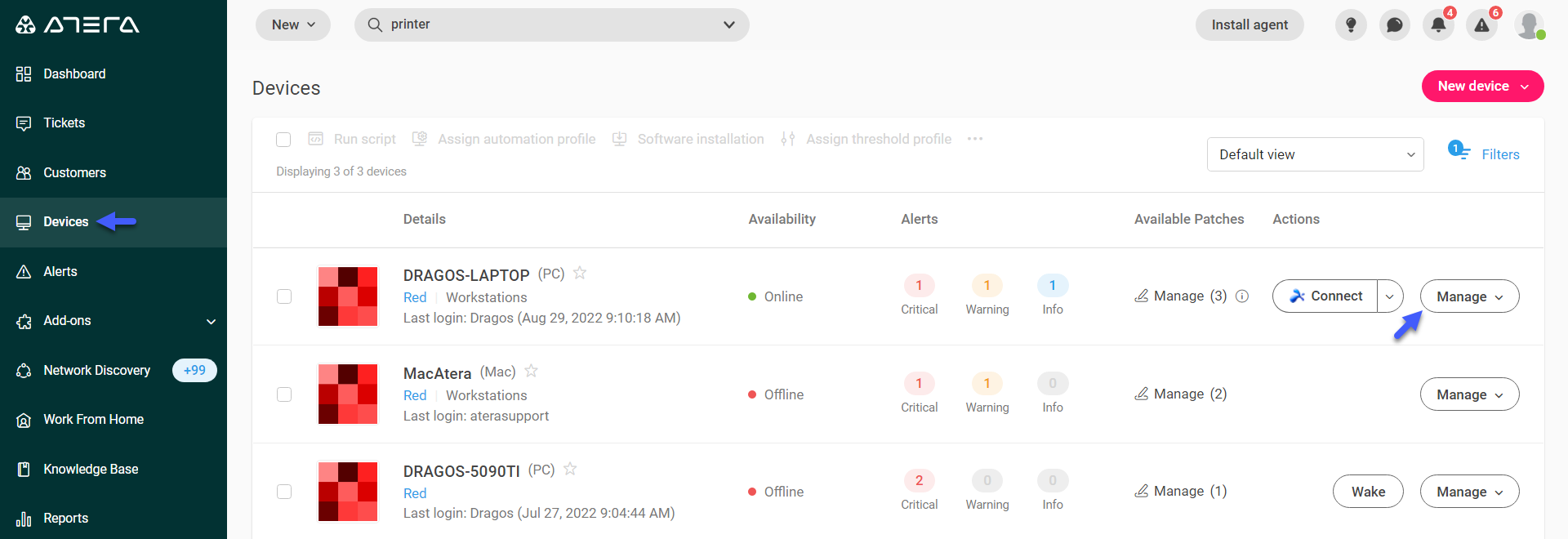
1. From the left-hand panel click Devices, then, click the Manage dropdown menu, next to the specific device.
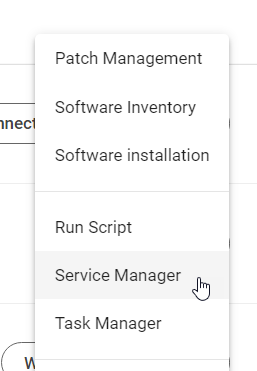
2. From the drop-down menu, select Service Manager.
The Service Manager dialog box appears.
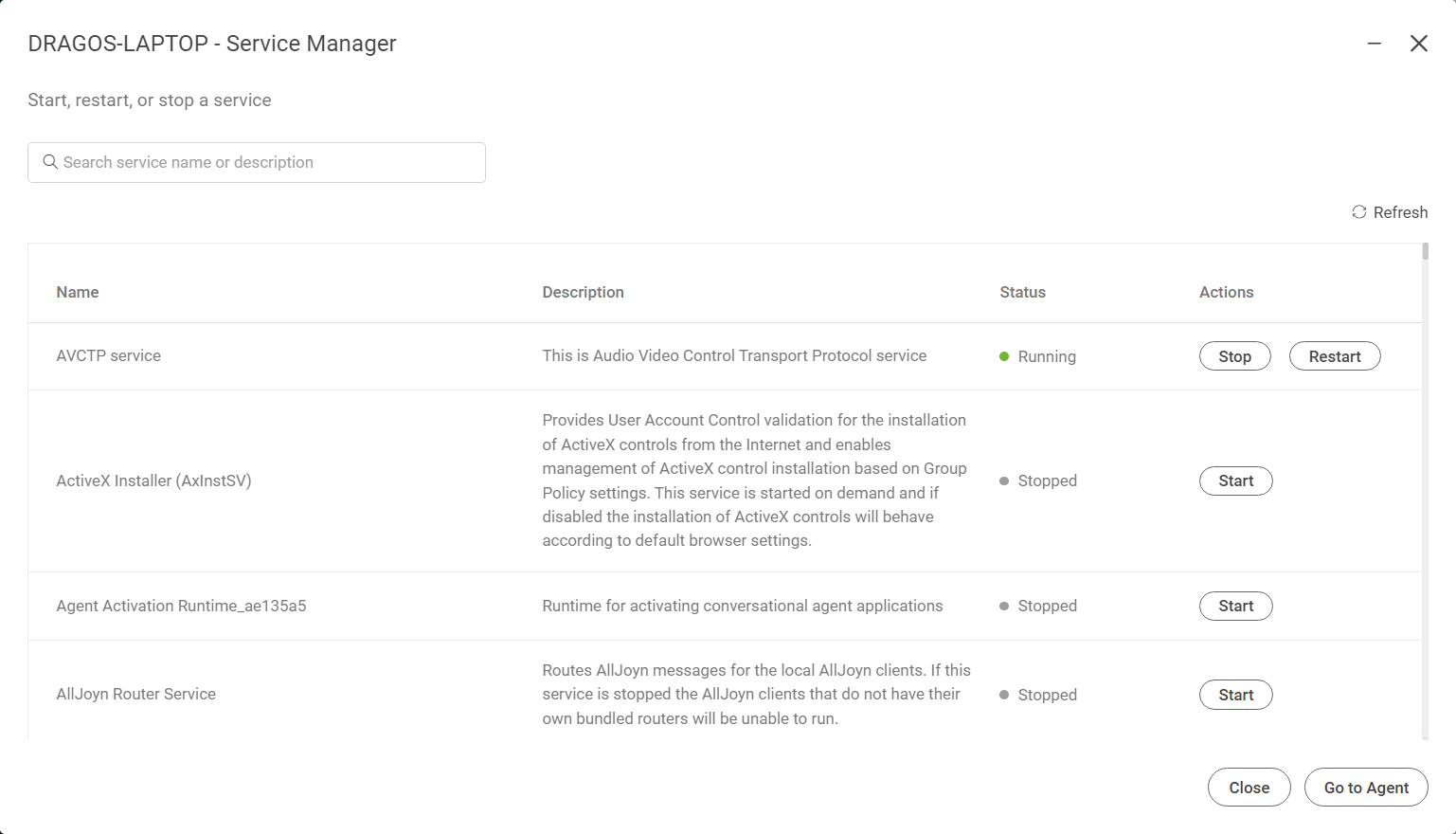
The service manager allows you to Stop, Restart and Start a service.



